
Turn on the robot
To turn on the robot, follow these steps:
Make sure the battery power source is connected—see Power connection.
Press the Power button for three seconds.
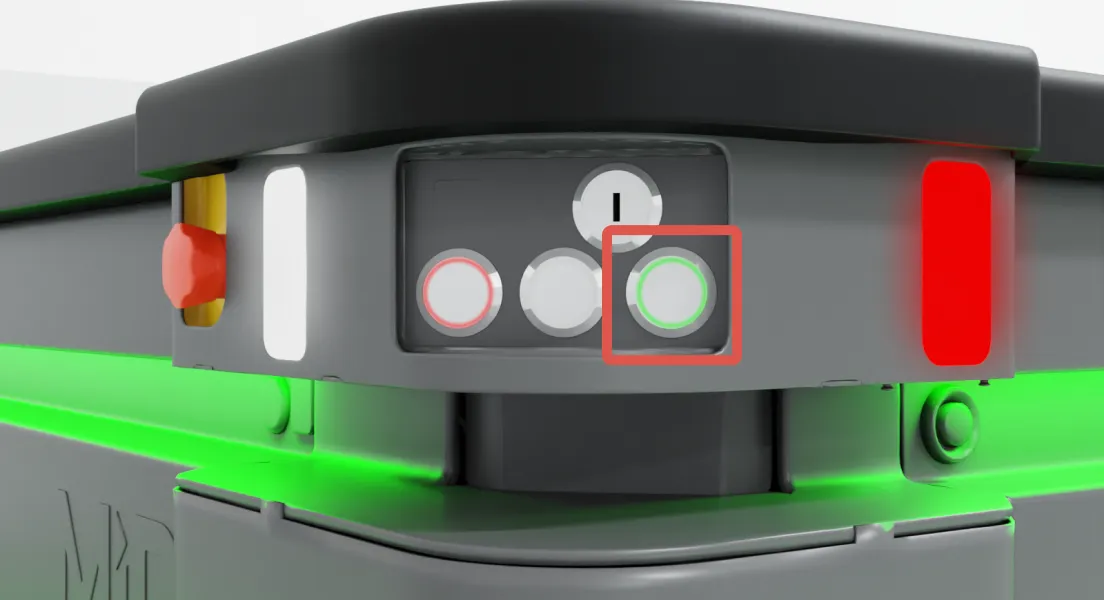
The status lights waver orange, and the robot starts the software initialization process. When the initialization process ends, the robot goes into Protective stop.
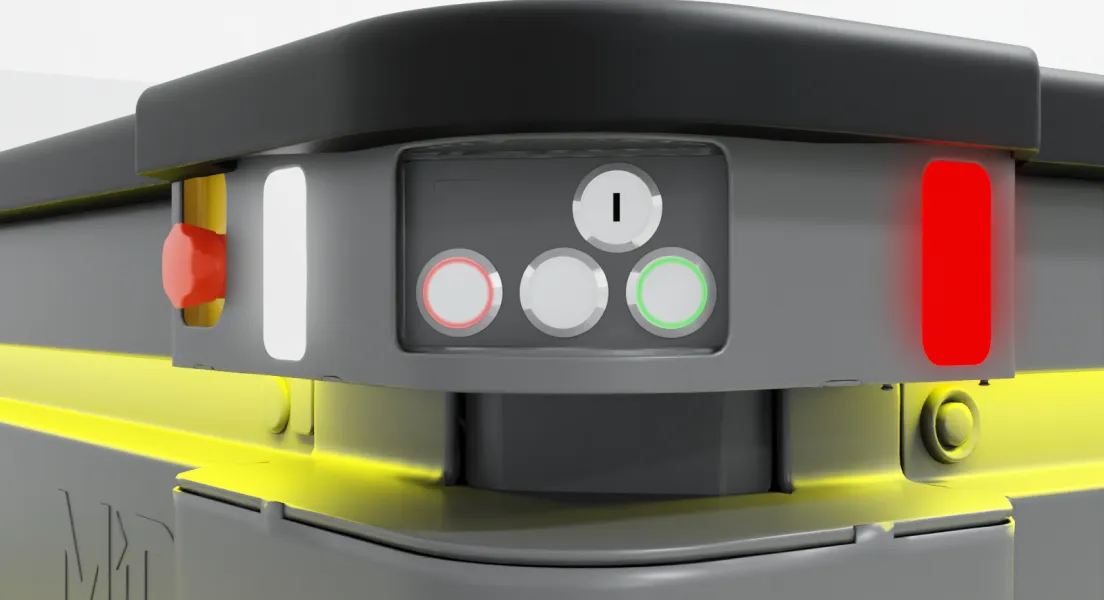
Press the Restart button to clear the Protective stop.
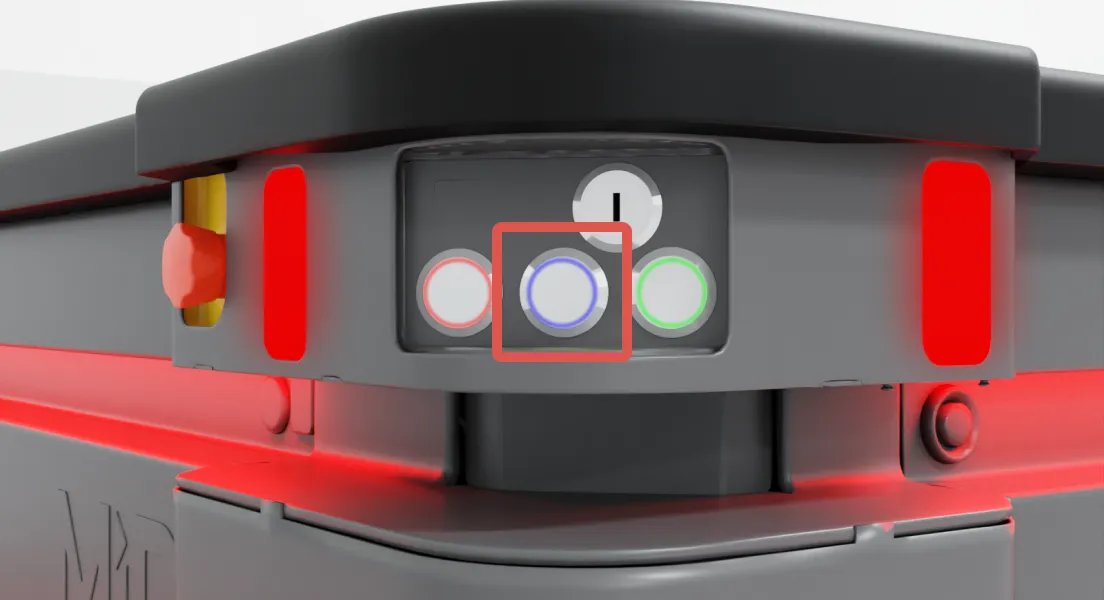
Turn the Operating mode key to the mode you want to use.

INFO
For more information about the 48V batteries and help troubleshooting them if they are not powering the robot, see MiR 48V Battery Troubleshooting and Technical Guide . You can find this guide on MiR Support Portal.