
Turn off the robot
To turn off the robot, follow these steps:
Ensure that the robot is not moving or executing an action.
Press the Power button for three seconds.
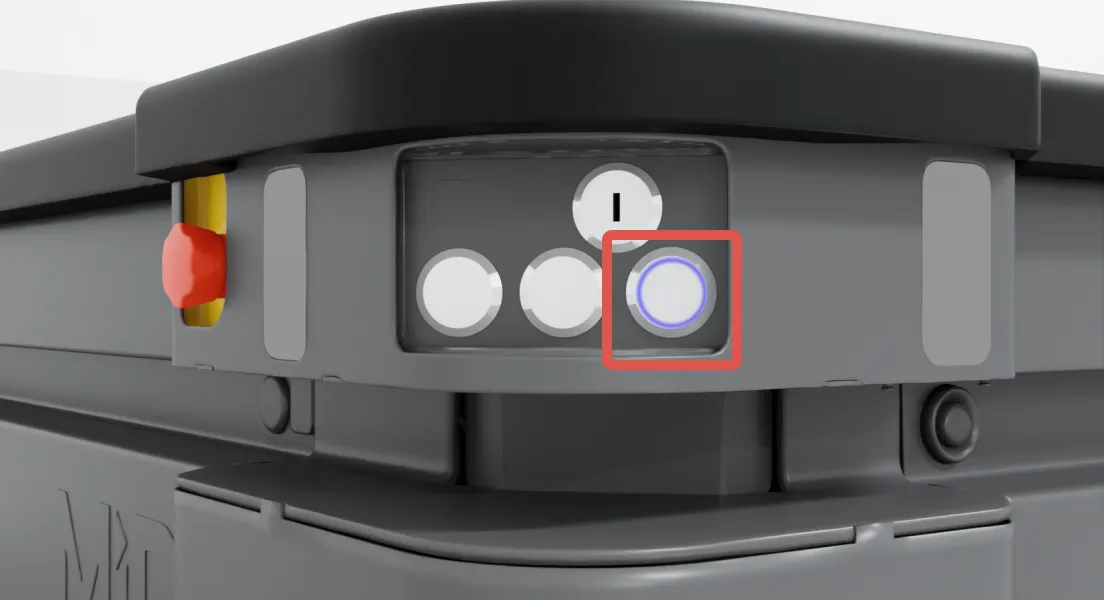
Wait for the robot to finish the shutdown process. The status lights waver orange, and the Power button blinks red. All lights turn off when the robot is completely shut down.
The robot must be disconnected from its battery power source before:
- Transporting the robot.
- Performing maintenance or accessing any internal parts of the robot.
- Storing the robot for over 24 hours.
To disconnect the battery power source, see Power connection.