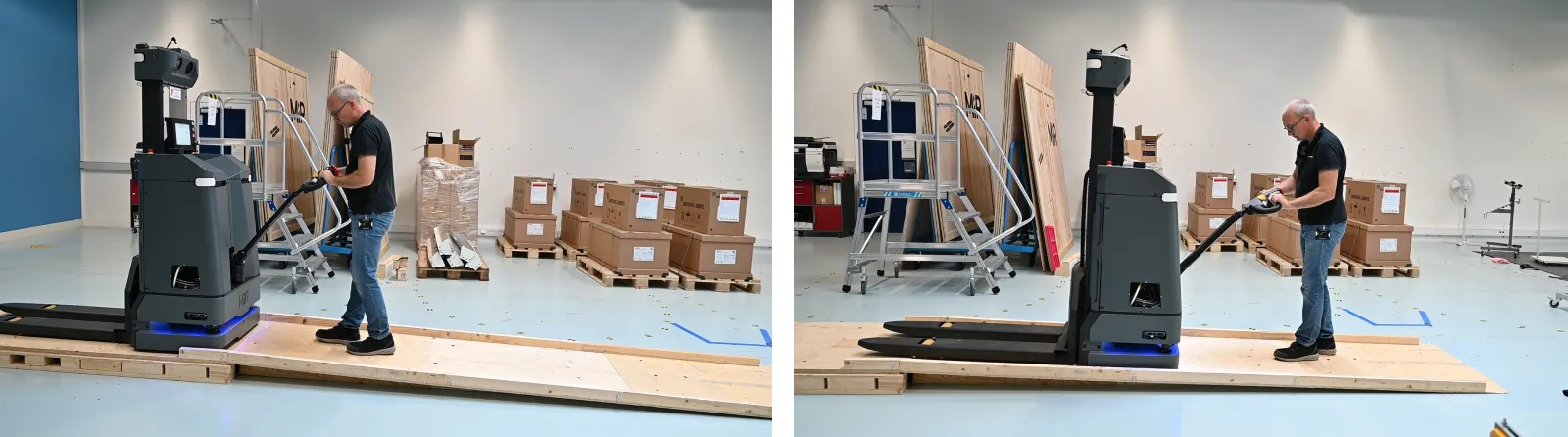
Unpack the robot
Keep the original packaging for future transportation of the robot. Store the packaging in dry conditions and do not expose to water.
Remove the sides of the box
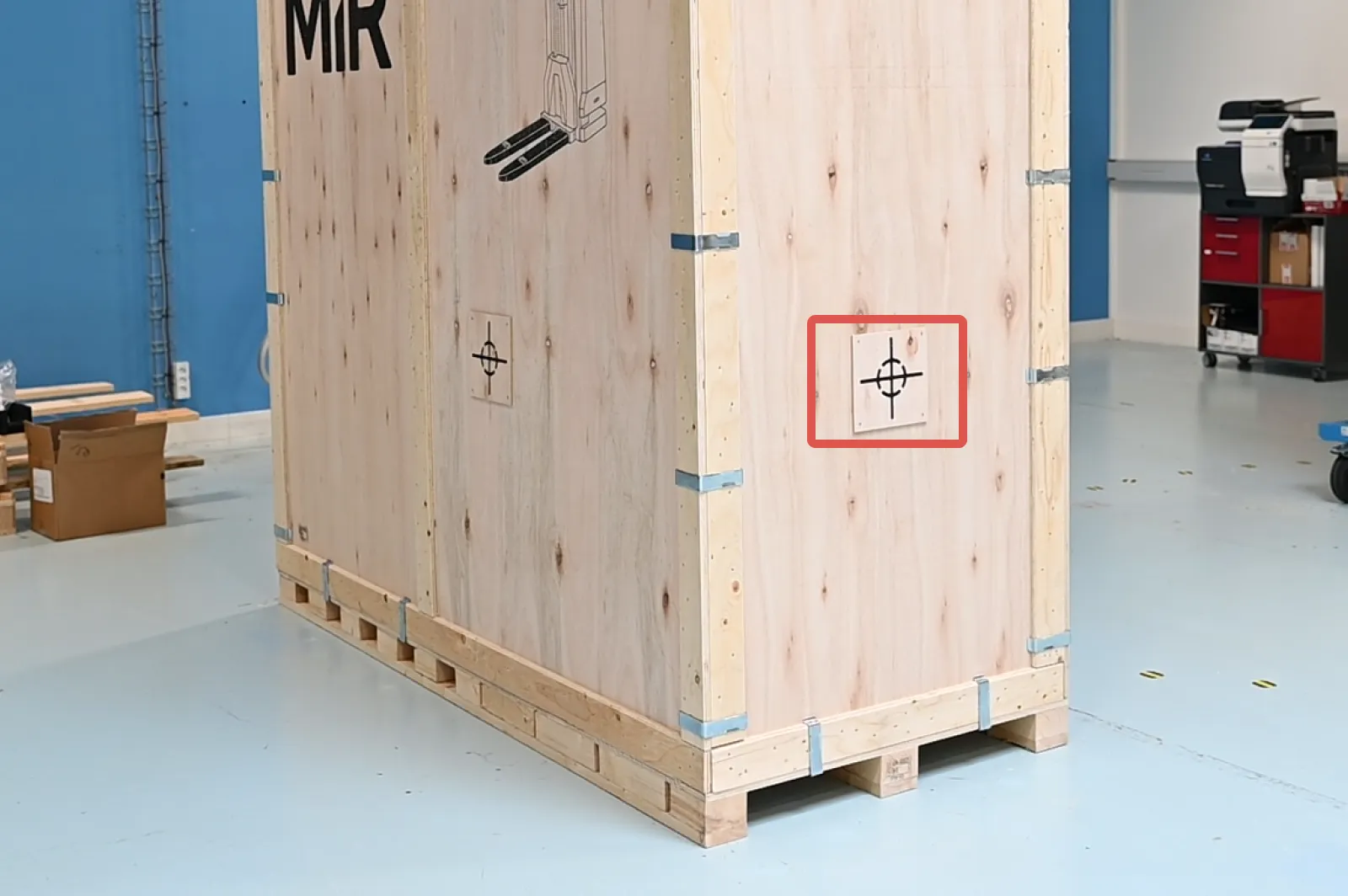
Place the box with the robot so that there is at least seven meters of free space at the front of the box. The front of the box is where the center of gravity mark is located.
CAUTION
The center of gravity is at the front. Lifting the pallet from the back risks tipping the box over.
- Always pick up the pallet with a forklift from the front of the box.
Check that the TiltWatch sticker and the ShockWatch sticker.
If the TiltWatch shows more than 30° tilt or if the ShockWatch indicator has been activated, make a note on the bill of delivery receipt, and inspect the robot for damage. If damage is discovered, request immediate inspection from the carrier.

Remove the clamp removal tool lodged behind a clamp in one of the top corners..
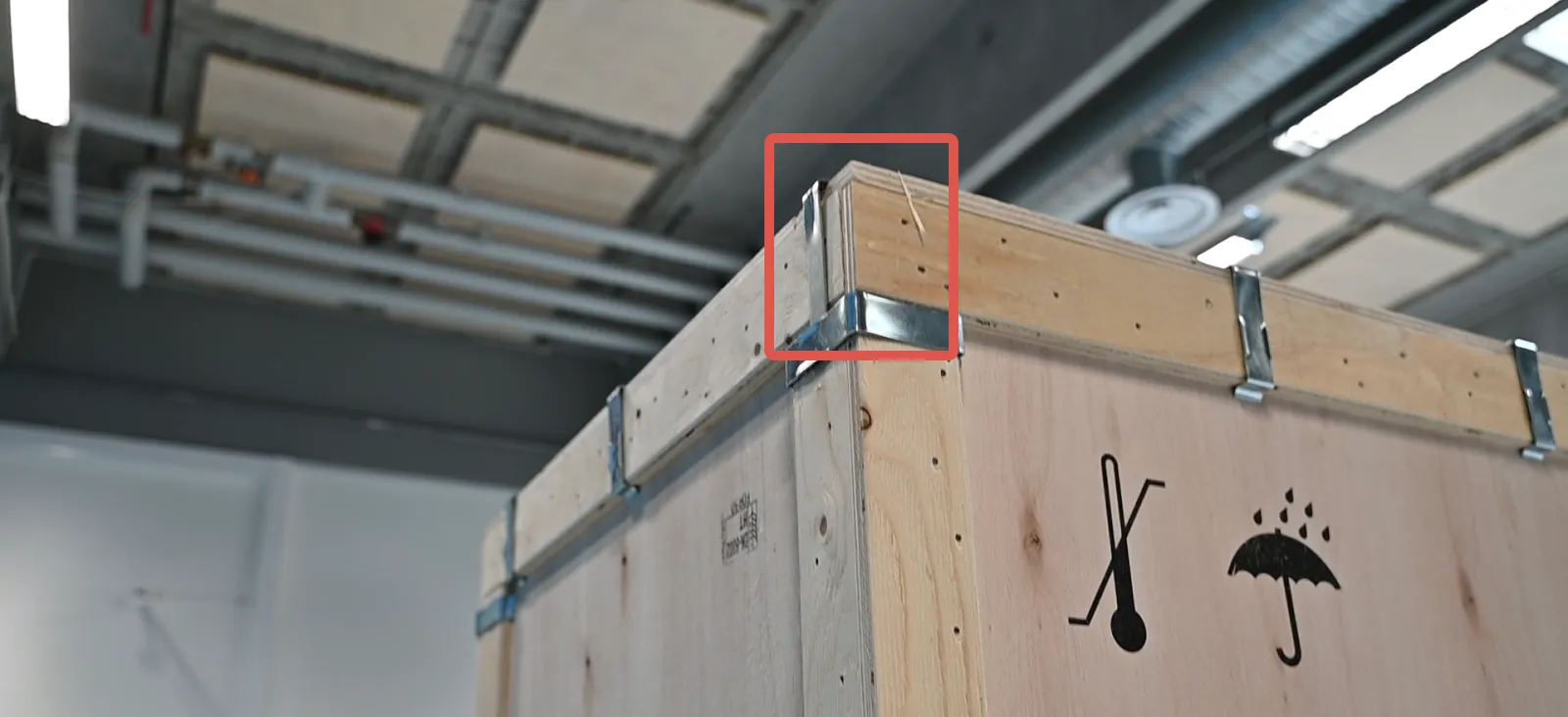
Remove all of the clamps around the lid of the box.
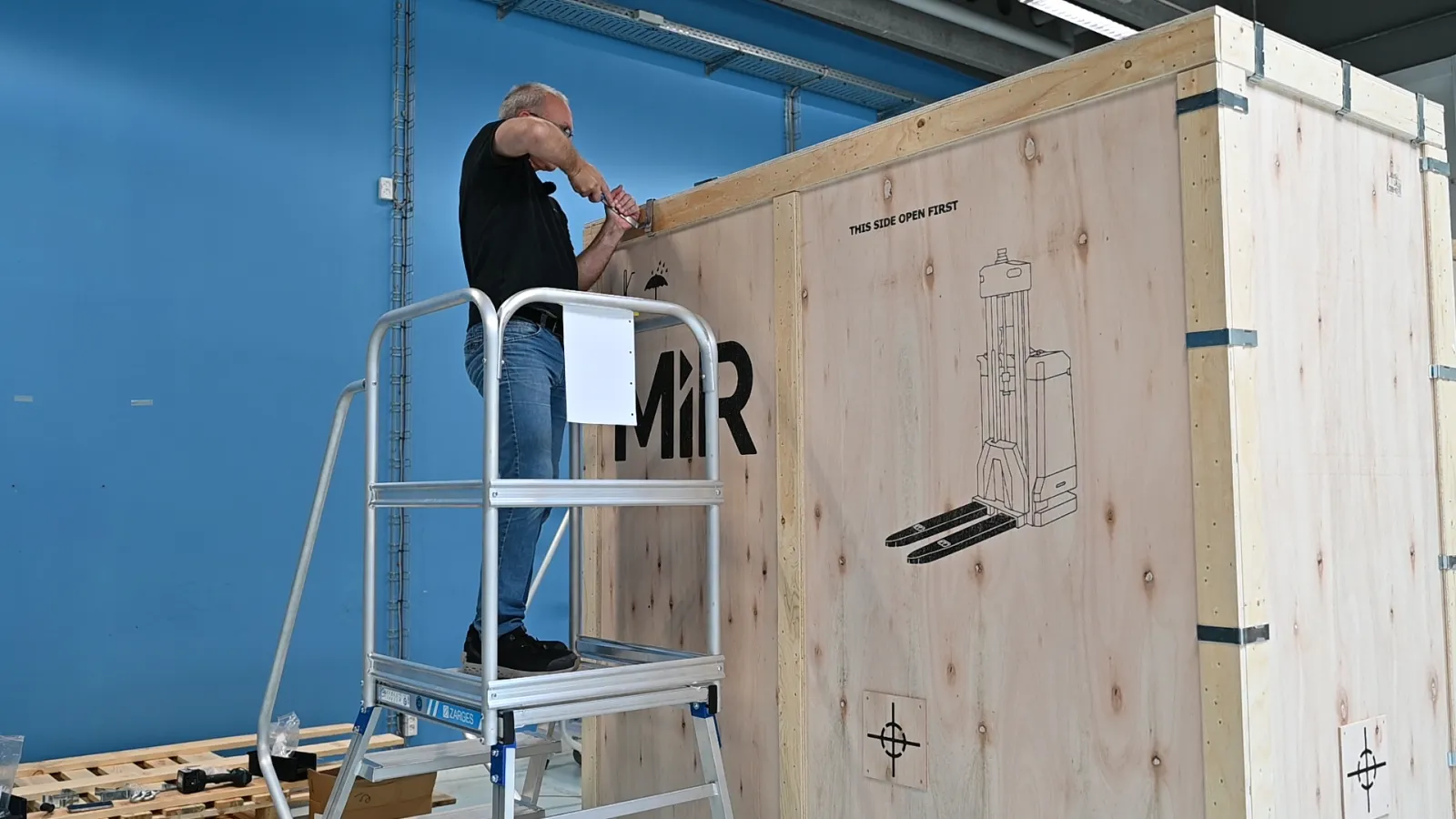
Use the clamp removal tool by lodging it into the clamps where there are small sills. Use a hammer if necessary. Turn the tool to the side to release the clamps.
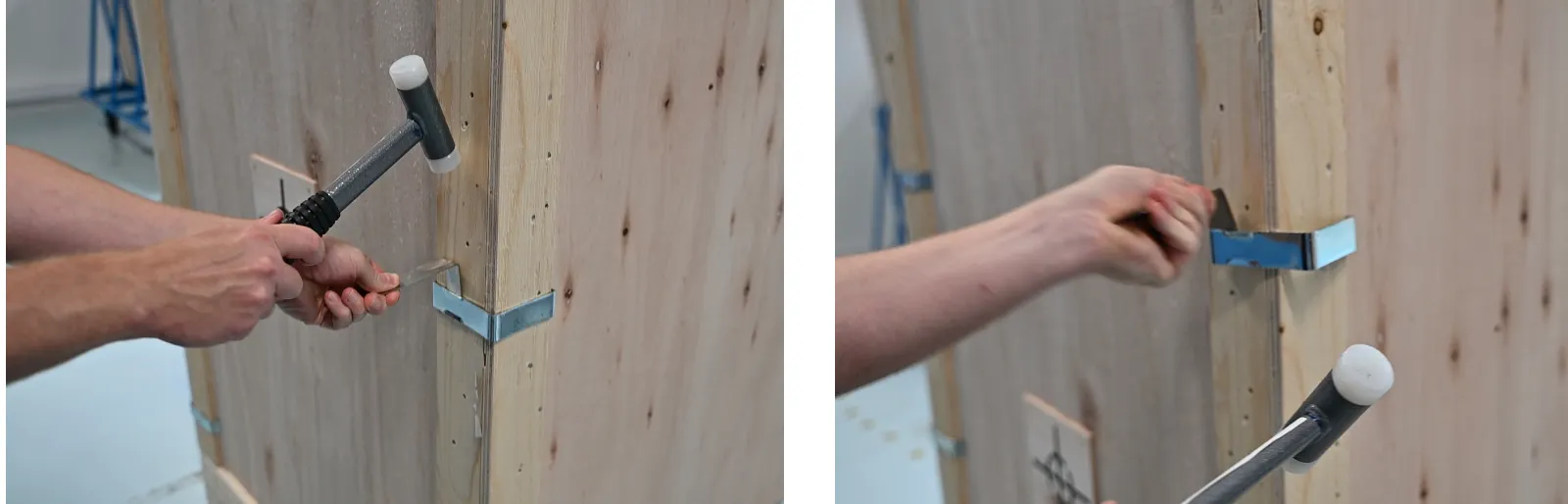
Slide the lid to the side to a person ready to receive it on the ground.
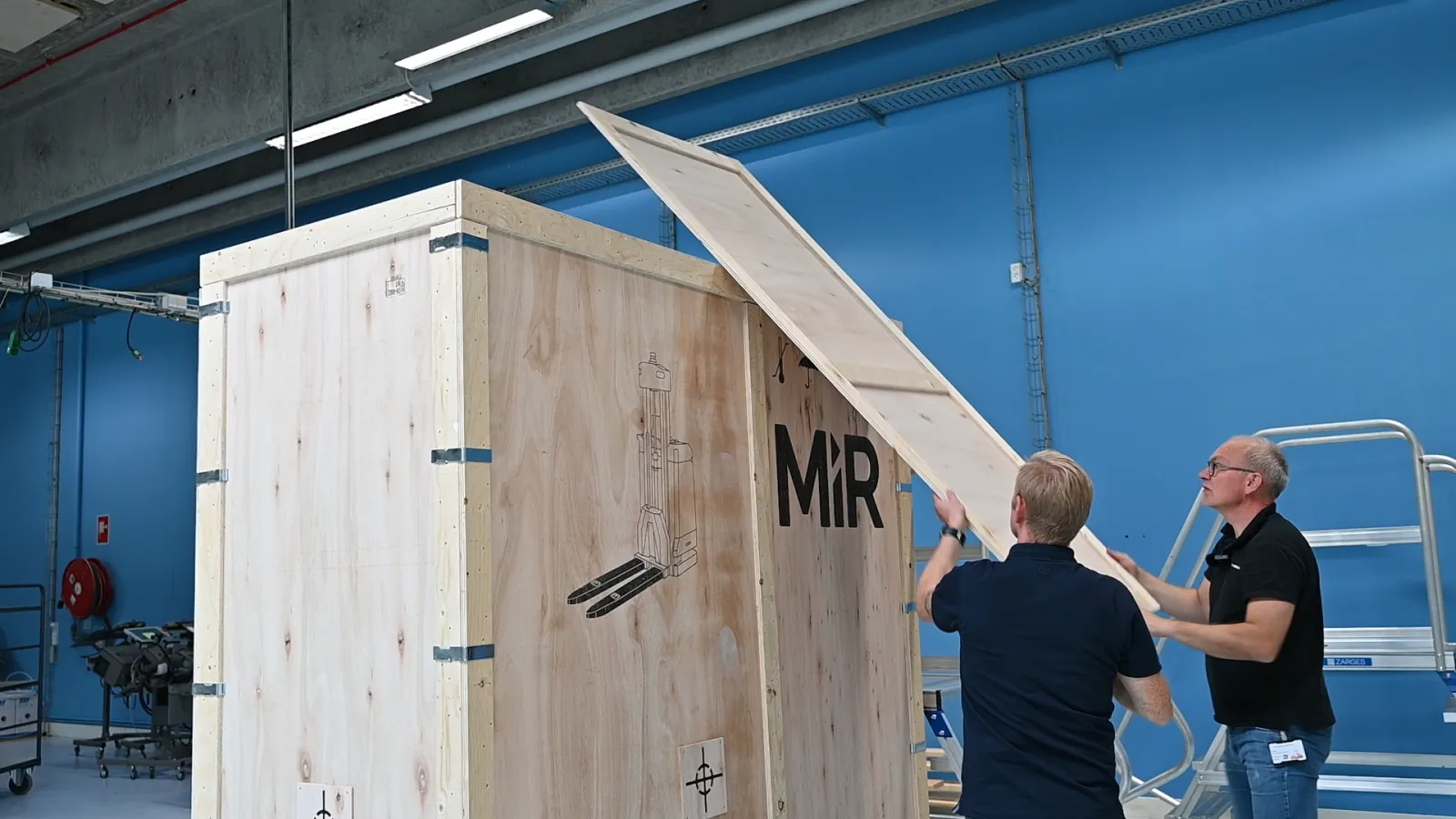
Remove one of the long sides of the box. Hold the side in place while removing the clamps.
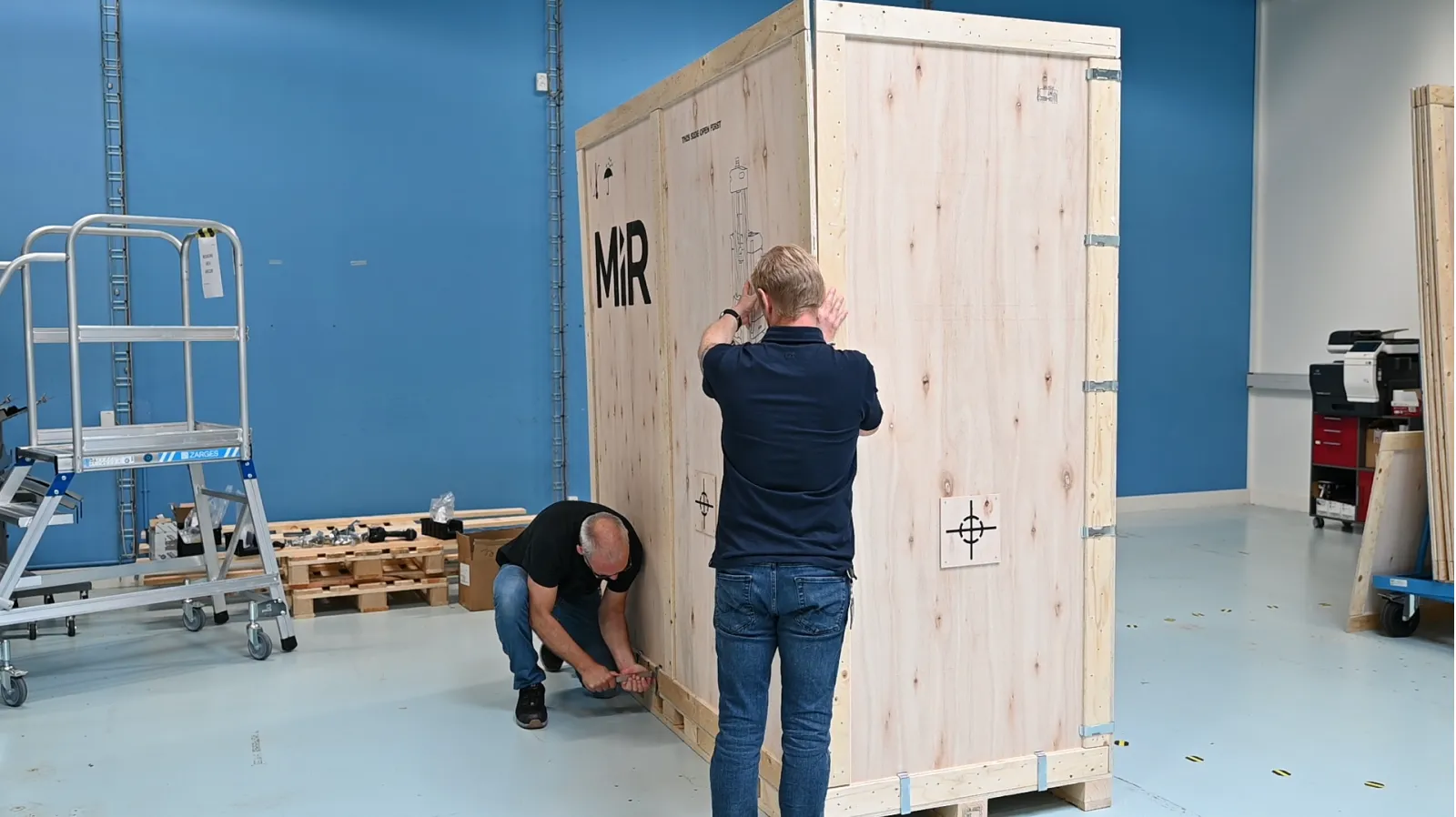
Remove the two ends, and then the remaining side.

Prepare the ramp
Remove the bag of ramp screws from the ramp fastening.
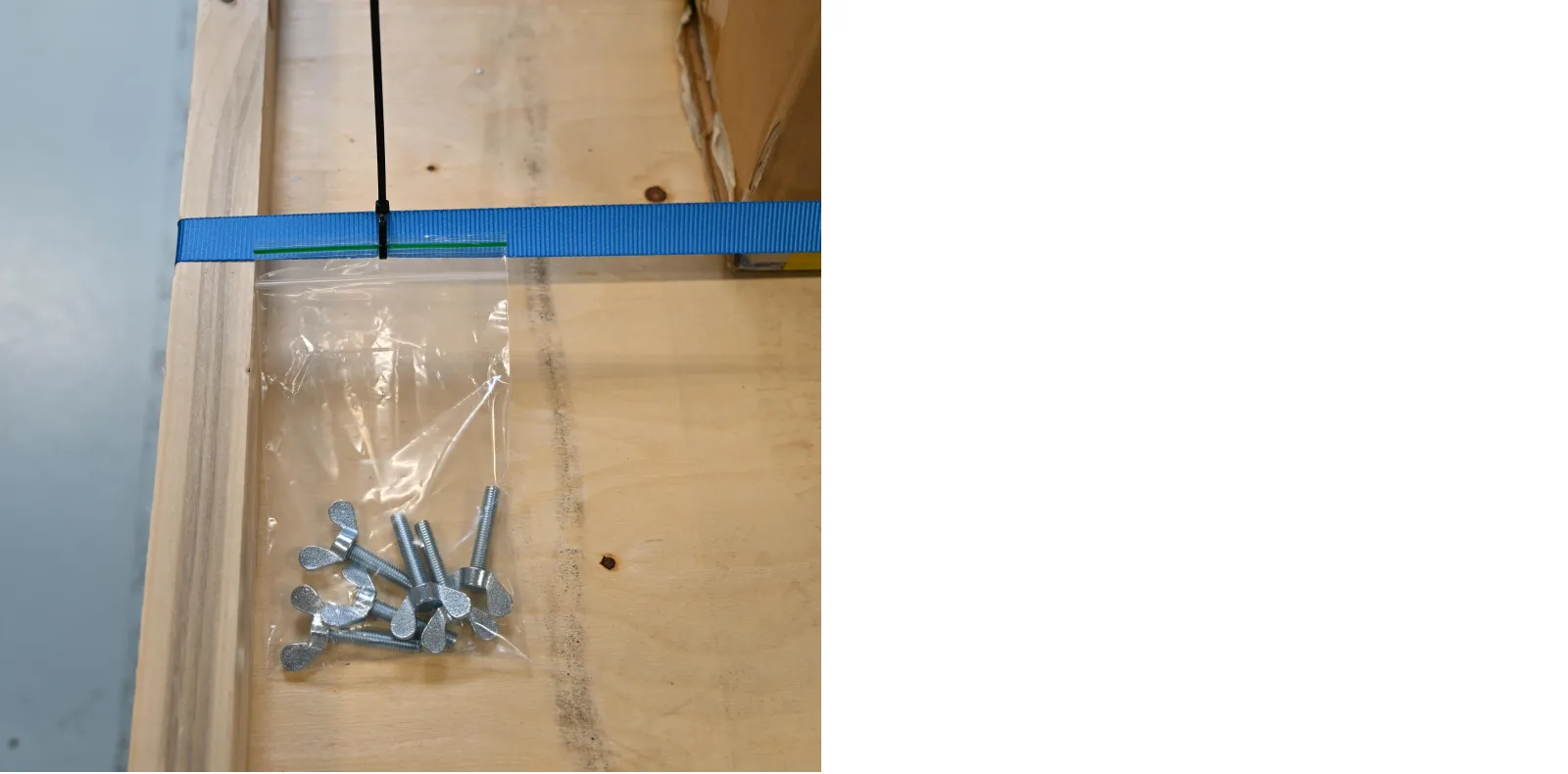
Remove the ramp fastening.
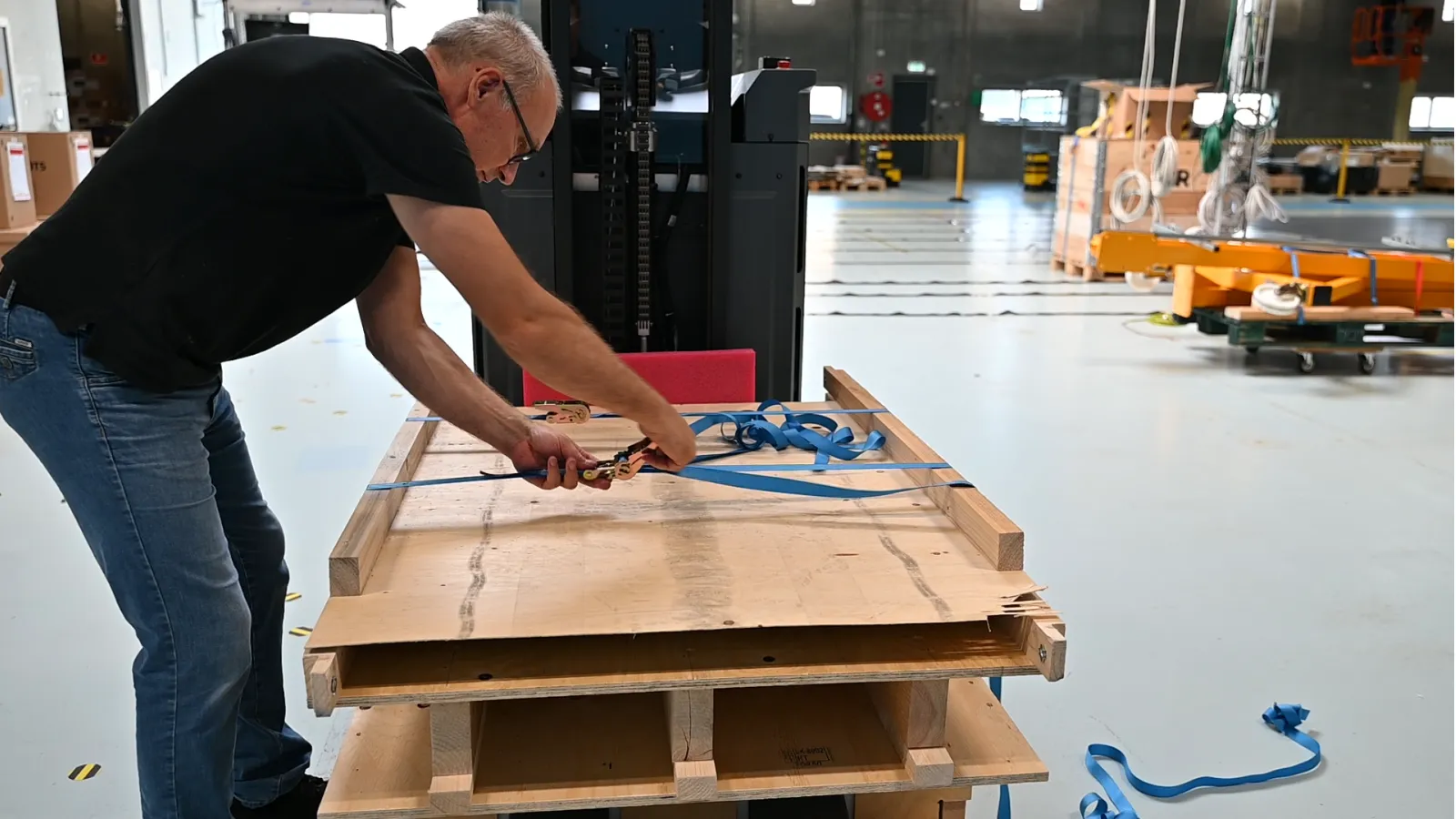
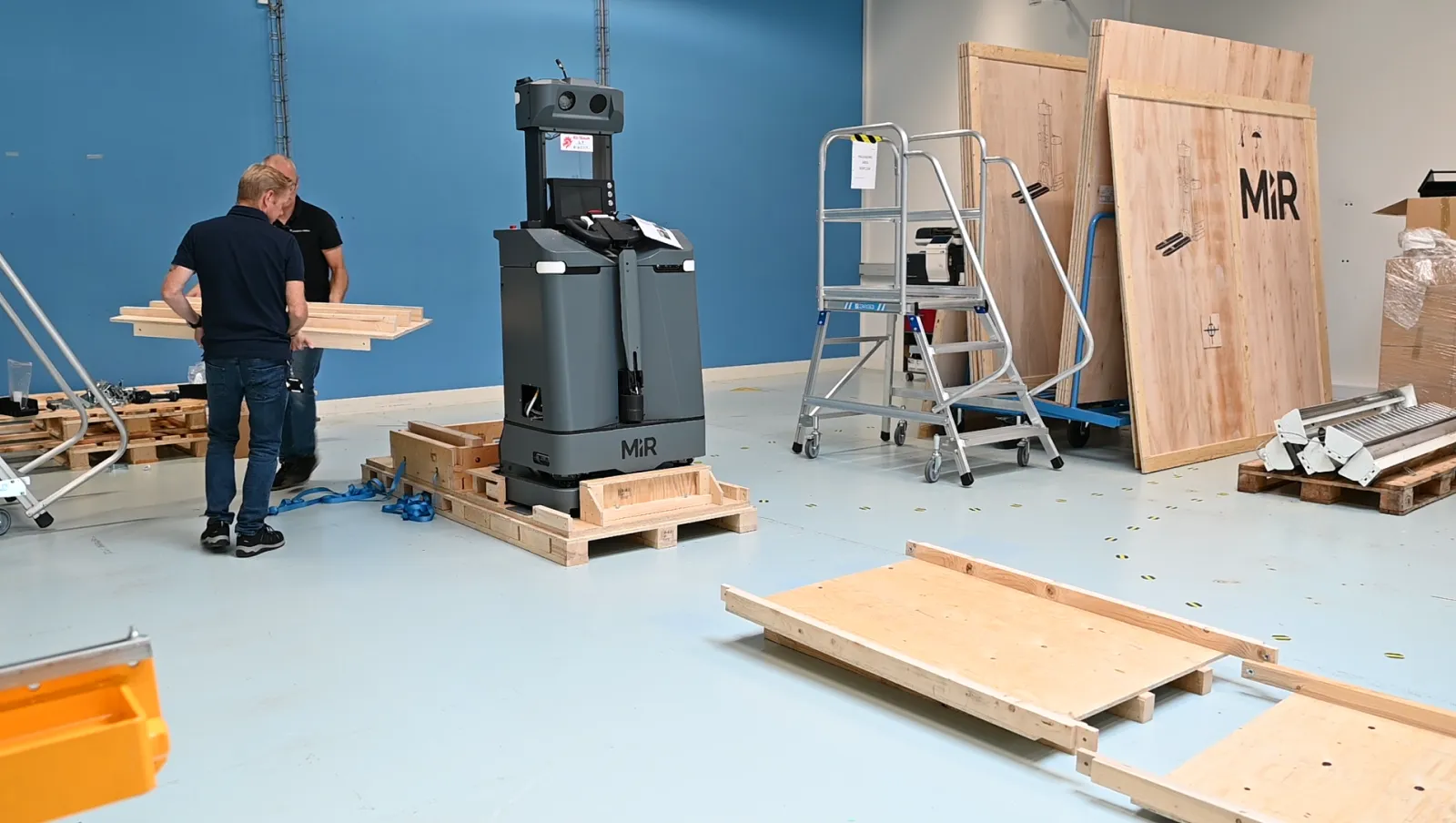
Lay the three ramp-pieces out in front of the pallet.
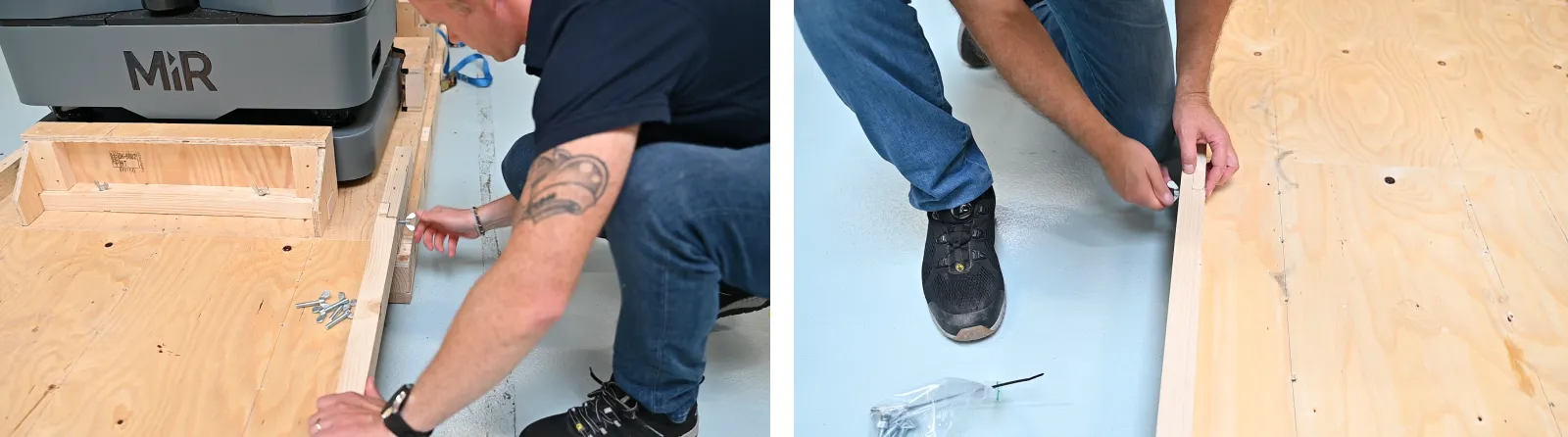
Use the supplied wing screws to fasten the ramp pieces to the pallet and to each other. Do not screw the wing screws so far into the ramp pieces that they stick out on the other side. This might damage the robot while it drives down the ramp.
Remove protection and additional items
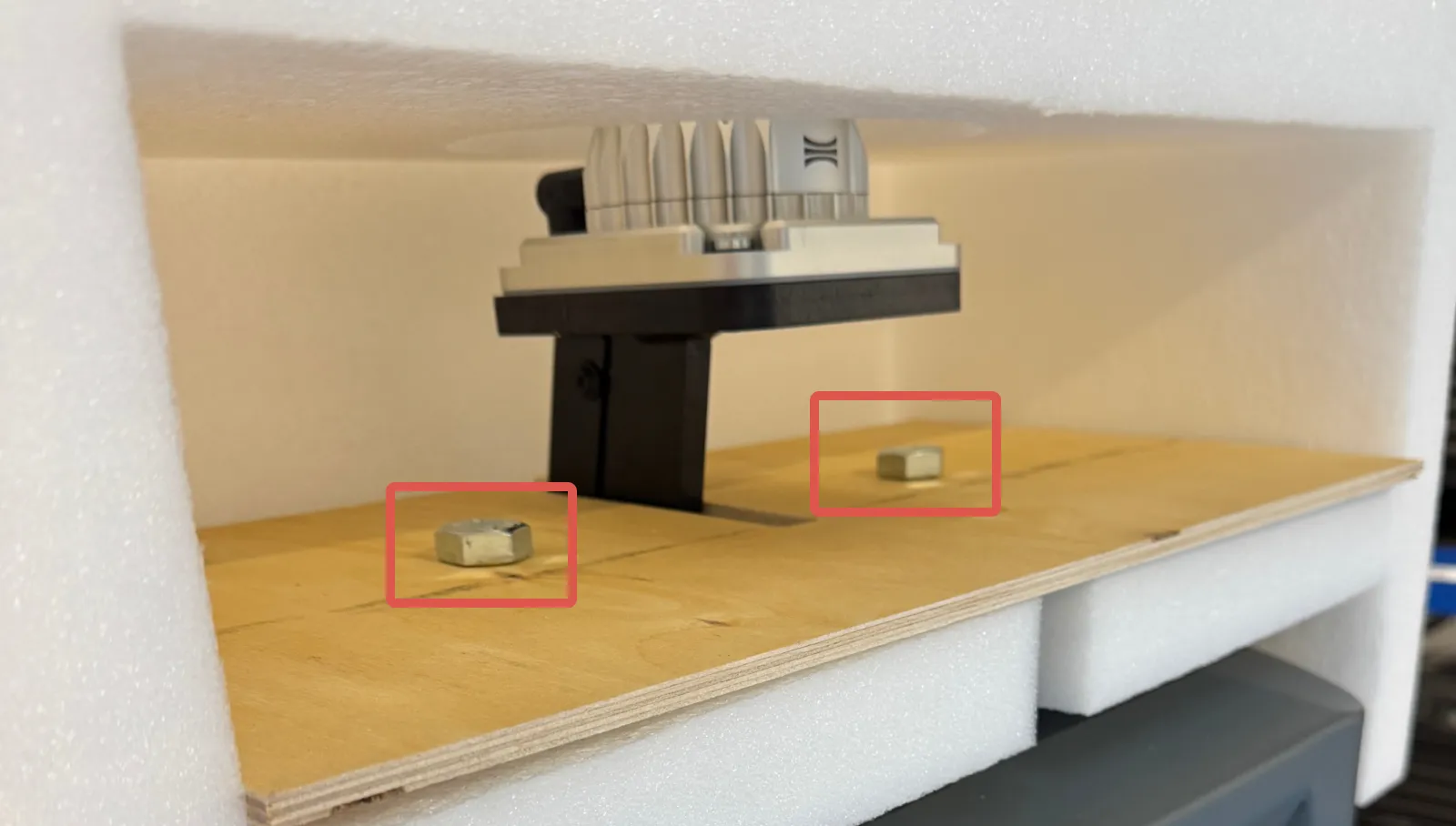
Unscrew the two screws holding the Halo protection in place, and remove the protection. Use a socket wrench with a 24 mm hex socket.
Remove the package with the printed documents and accessories.
Unscrew the eight screws on the blocks at the back, in front of, and to the sides of the robot. Use a socket wrench with a 13 mm hex socket. Remove the blocks.
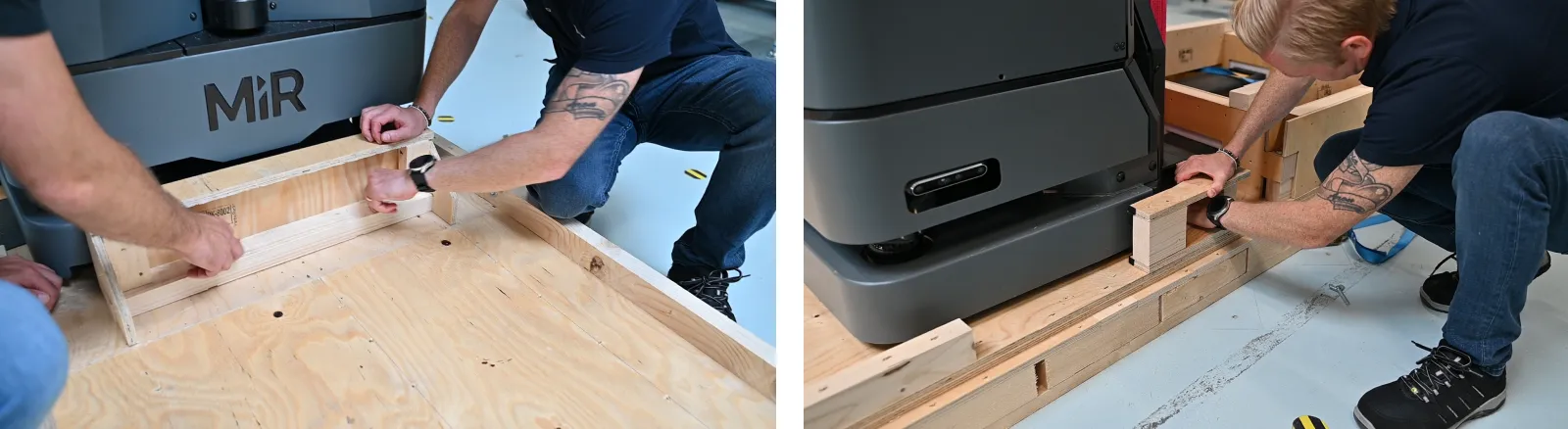
Unscrew the four nuts under the fork fastening. Use a socket wrench with a 17 mm hex socket. Remove the fastening.
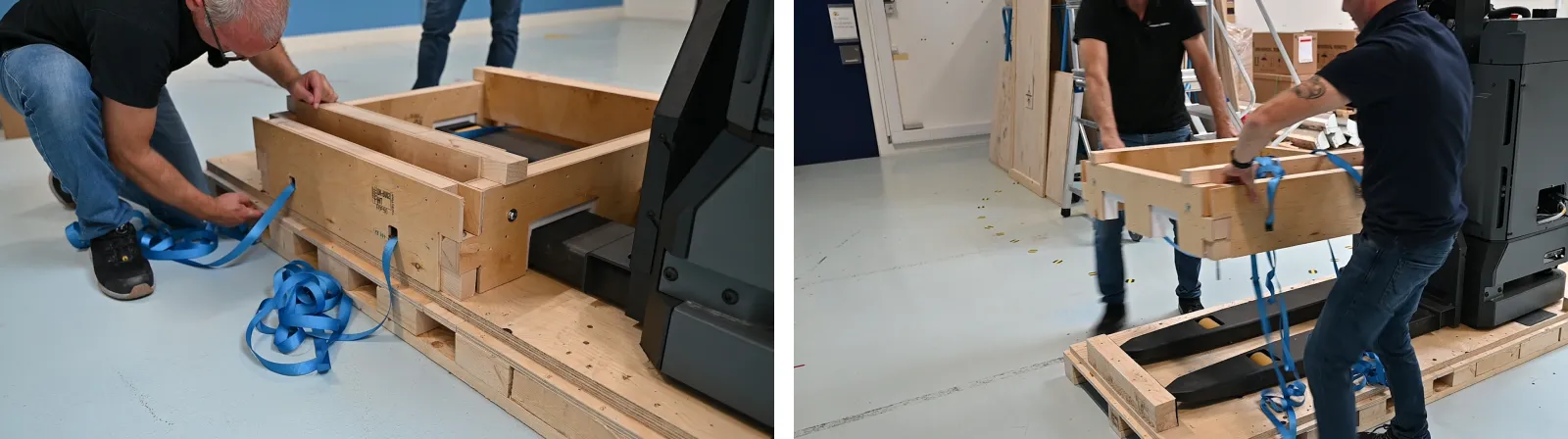
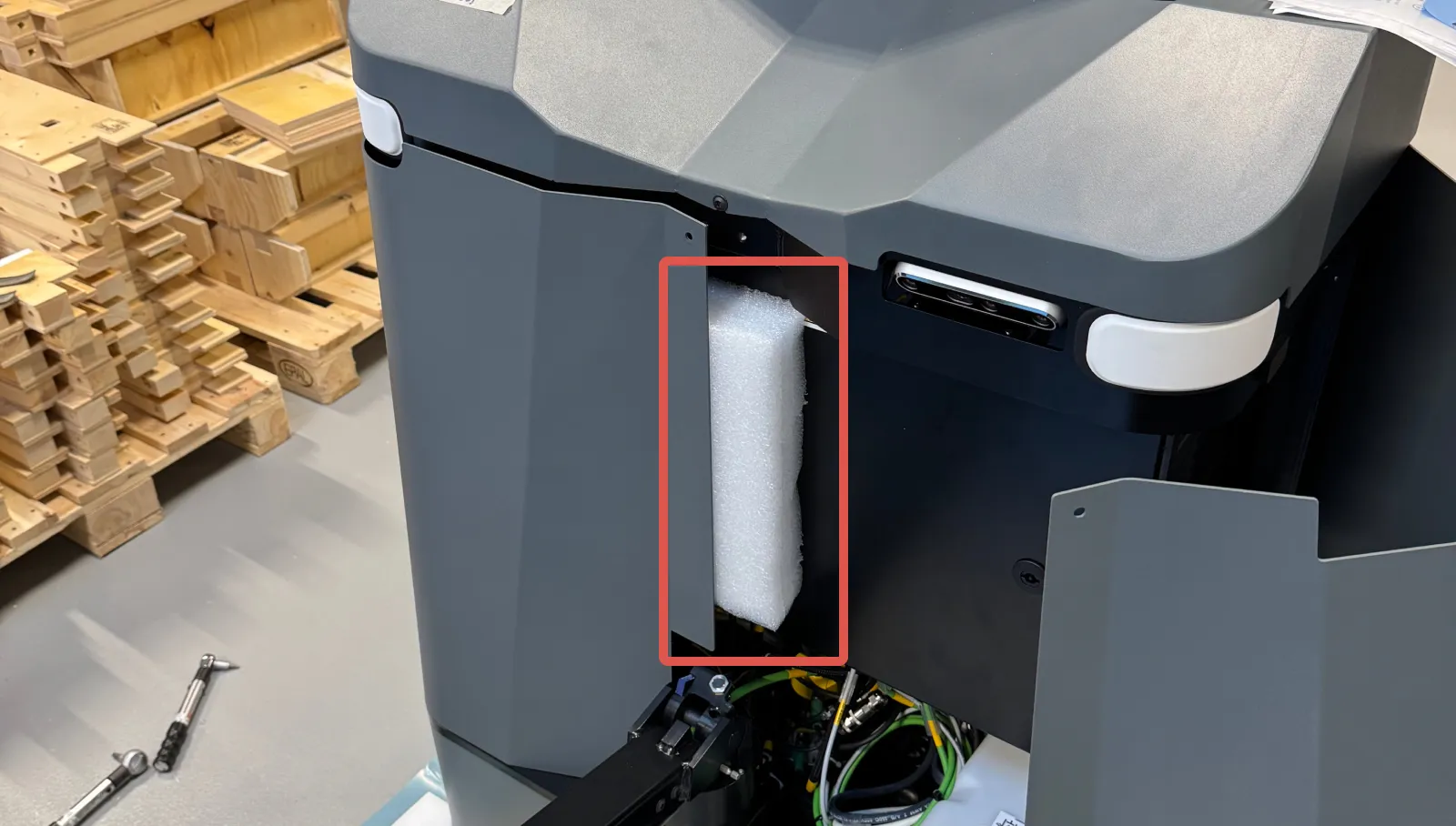
Open the two front hatches—see Access the internal parts.
Remove the support foam.
Open the top hatch—see Access the internal parts.
Unscrew the two screws holding the electronics box shipping brace. Use a 6 mm Hex socket.
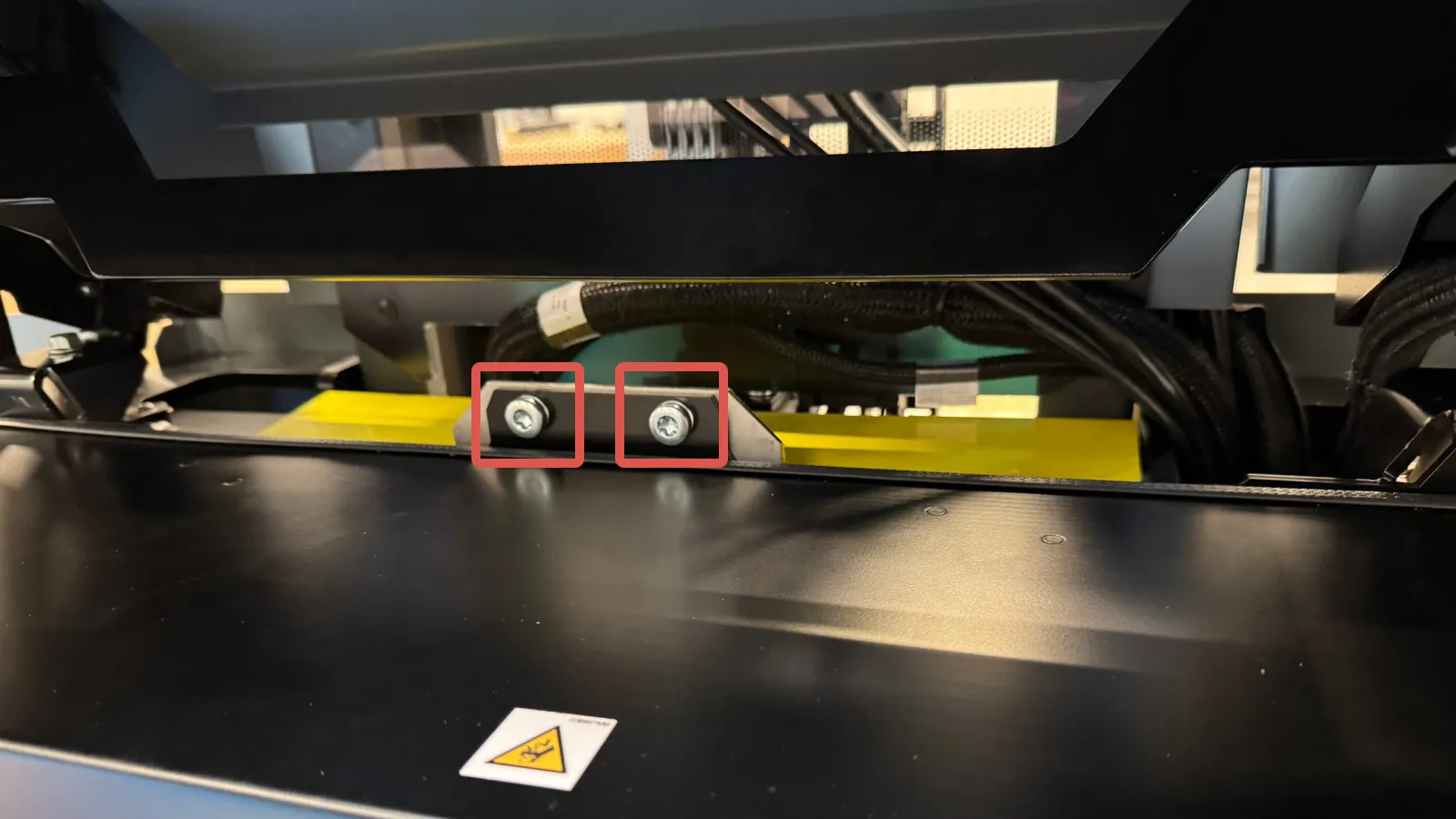
Pull up the electronics box shipping brace and remove it.
Drive the robot off the ramp
Close the top hatch and the two front hatches.
Connect the batteries—see Connect batteries
Connect the main battery connector—see Power connection.
Turn on the robot—see Turn on the robot.
Drive the robot off the ramp using the tiller—see Manual mode