
Power connection
The robot's battery power source is connected to the robot with a main battery connector.
Before connecting or disconnecting the robot from its battery power source, always disconnect the robot from all charging devices.
Use the Battery lever to connect or disconnect the main battery connector behind the lever.
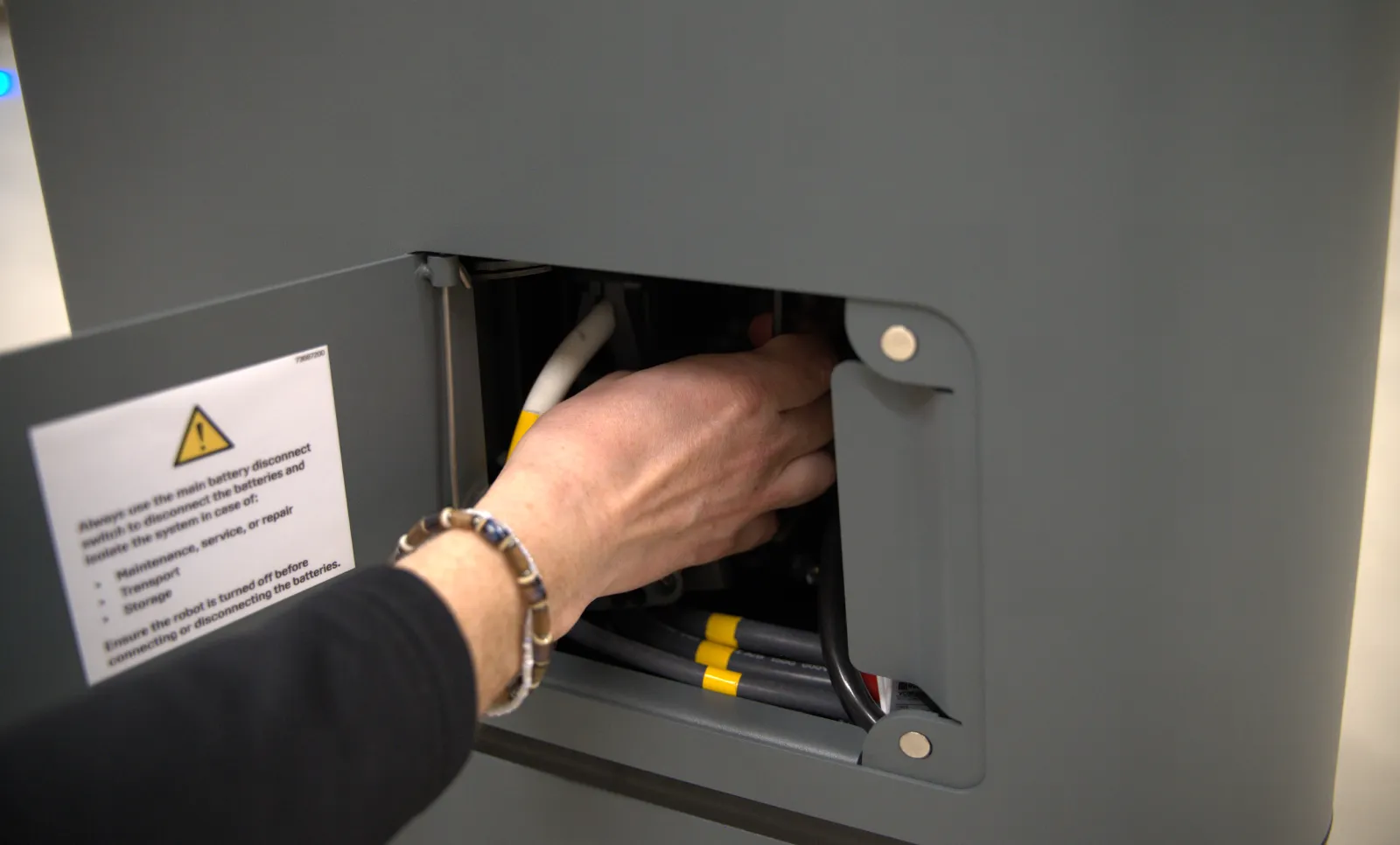
The Battery lever is in the power interface compartment—see Access the internal parts.
Each battery also has its own connector. Before using the main battery connector, you must connect the three separate battery connectors—see Connect batteries
Disconnect the robot from power to prevent unnecessary discharge, risk of electrocution, and risk of short circuiting.
When to connect power
The robot must be connected to its battery power source when:
- The robot is powered on and operating.
- You want to push or pull the robot manually.
When to disconnect power
The robot must be disconnected from its battery power source before:
- Transporting the robot.
- Performing maintenance or accessing any internal parts of the robot.
- Storing the robot for over 24 hours.